Manage Explanation Request Categories
To edit explanation request categories, click the Categories button on the explanation request list screen. These categories can be selected when creating explanation requests.
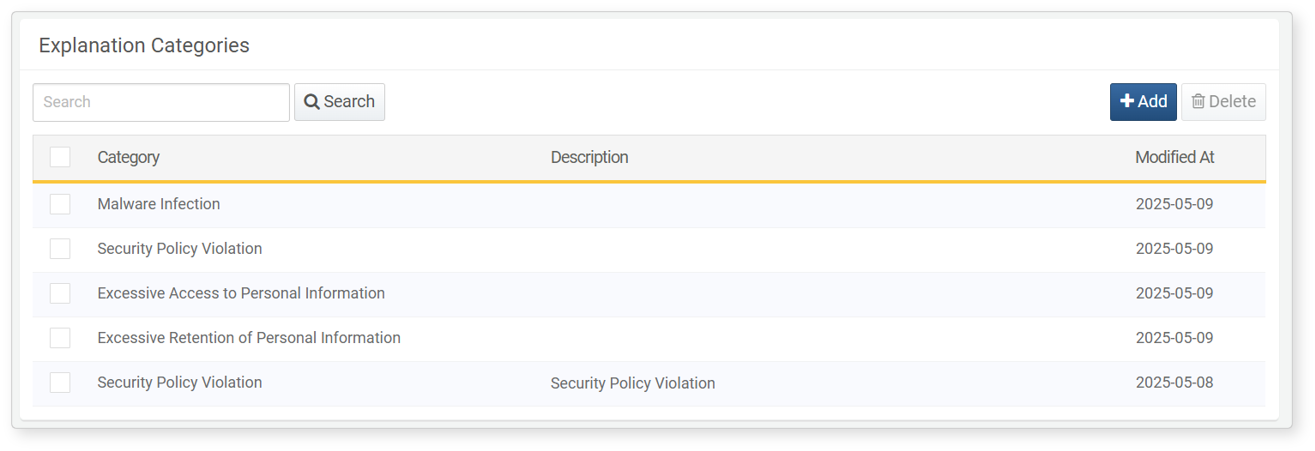
Use the Add button to create a new category.
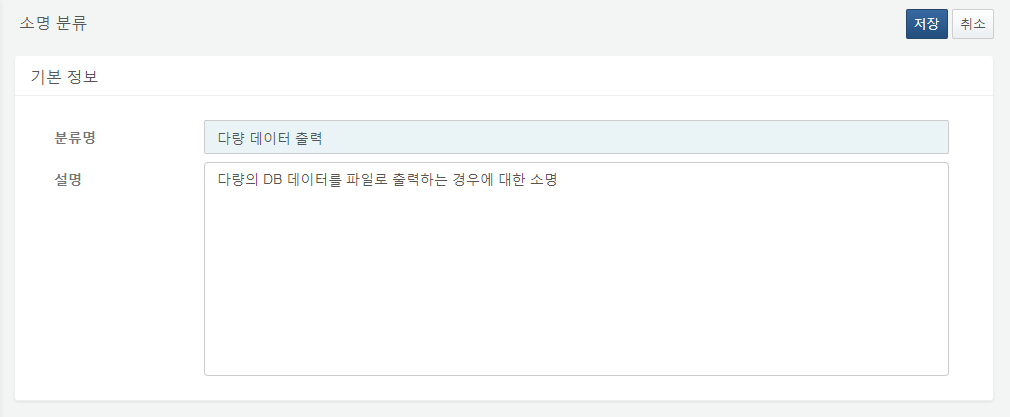
You can edit it by clicking the Name of the category in the list.
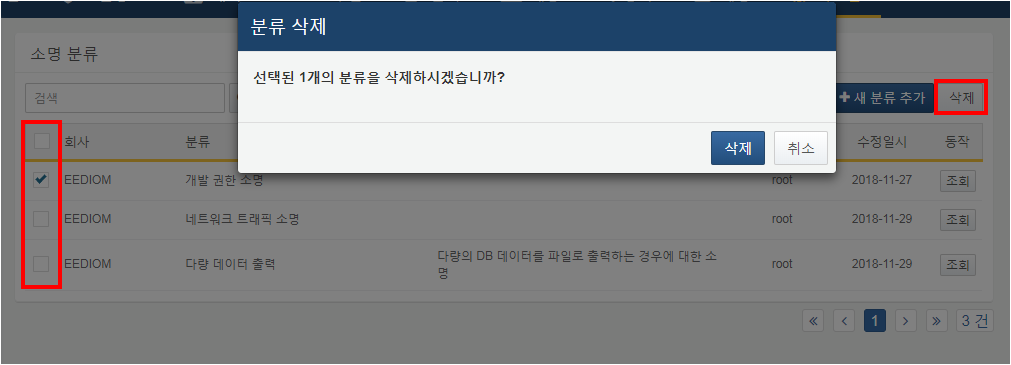
To delete a category, check the box next to the item and click the Delete button. Note that if there are existing explanation requests associated with that category, deletion will not be possible.