
Bar
Overview
The bar widget displays values (dependent variable) for each item (independent variable) as horizontal bars. It provides better readability than column charts when labels are long, such as IP addresses, hostnames, or user accounts, or when there are many items to compare. It is suitable for ranking and size comparisons across items.
For general information about query widgets, see Query widget.
Chart settings
Select Bar as the chart type in the pivot table editor and click the chart settings button.
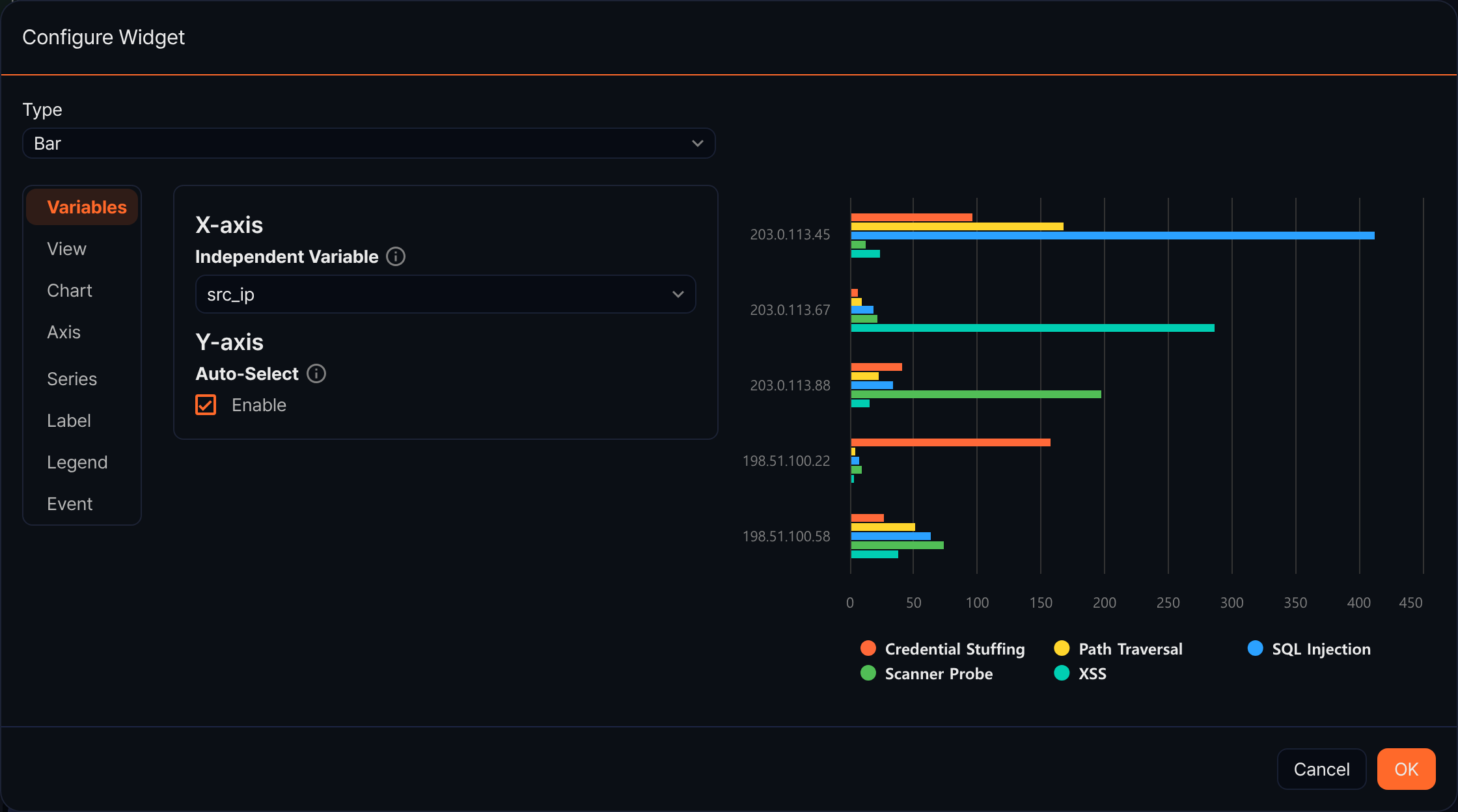
Variables
- X-axis
- Independent Variable: Select the field to use as bar labels.
- Y-axis
- Auto-Select: Automatically select all numeric fields as dependent variables.
- Dependent Variable(s): Specify dependent variables manually.
View
- Zoom-In: Select the direction for drag-to-zoom (default: None, options: x, y, xy).
- Concatenate Empty Values: Set how to handle empty value intervals.
Chart
- Headline: Enter a chart title and subtitle.
- Chart Area: Set the background color, border thickness, and border color.
Axis
- X-axis: Set the title and format.
- Y-axis: Set the title, format, min, and max.
Series
- Chart Type: Override the series chart type (default: Auto-Select).
- Series Color: Set the bar color.
Label
- Label All Series: Display values at the end of each bar.
Legend
- Show: Set whether to display the legend.
- Legend Arrangement: Options: Horizontal, Vertical.
- Horizontal Align / Vertical Align: Set the legend position.
Event
Configure click events.